AI photo restoration
Restore and colorize old black and white photos
Upload a scan and get it back in ~30 seconds. Tears, cracks, stains and fading are repaired, then color is added. Faces, framing and detail stay as they were.
Restore your first photo →First photo free · No subscription
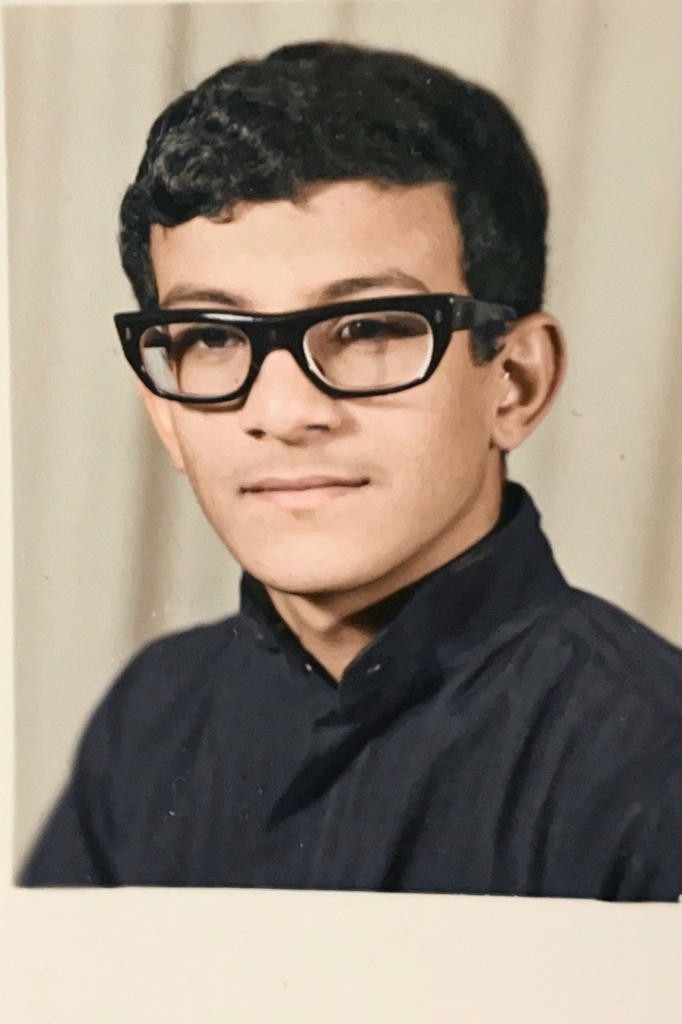
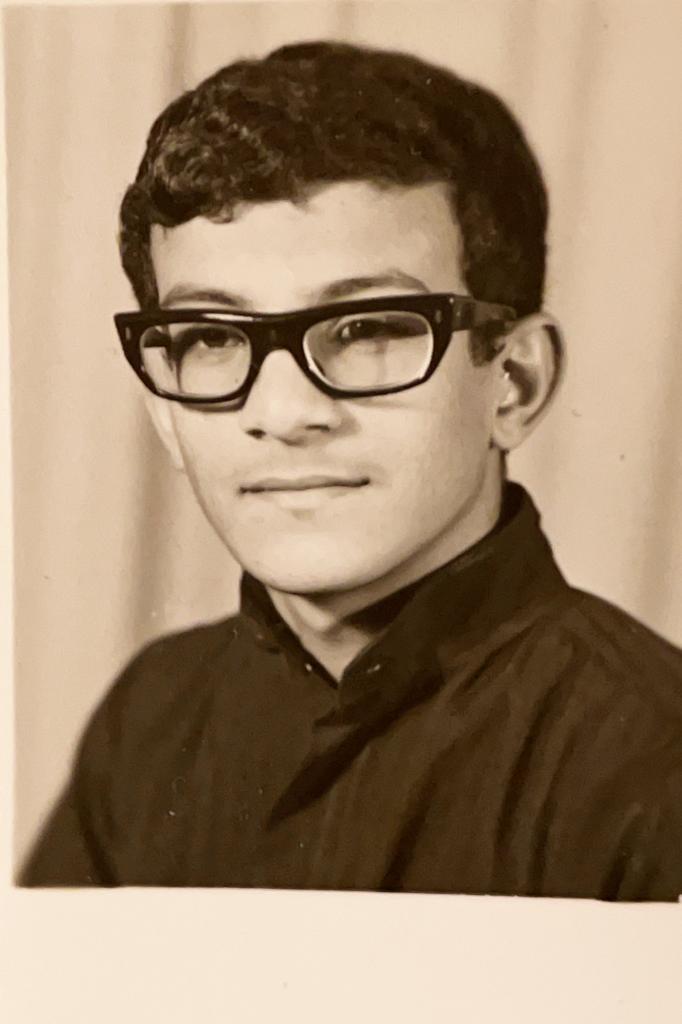 BeforeAfter
Every kind of old photo
Family portraits, childhood snapshots, street scenes and everyday life, all restored and colorized with Colorify.
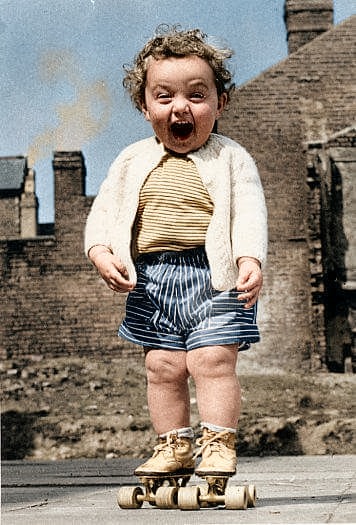
 BeforeAfter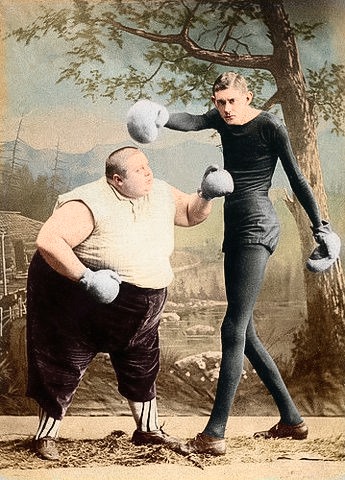
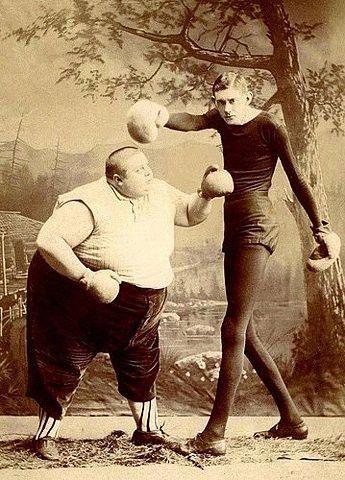 BeforeAfter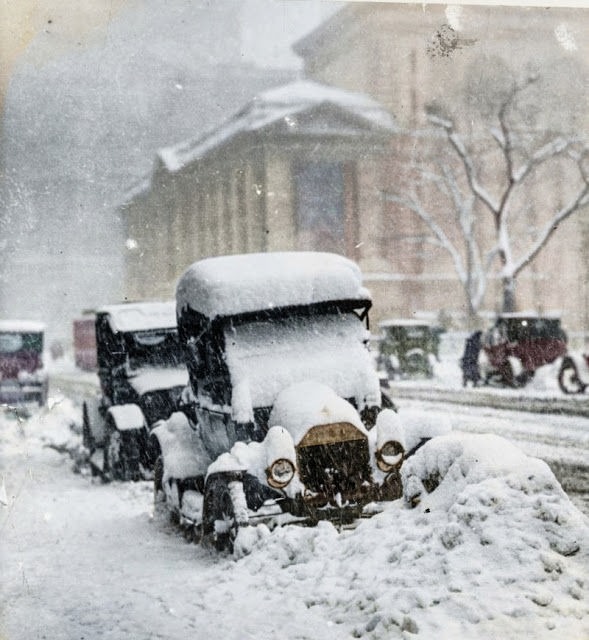
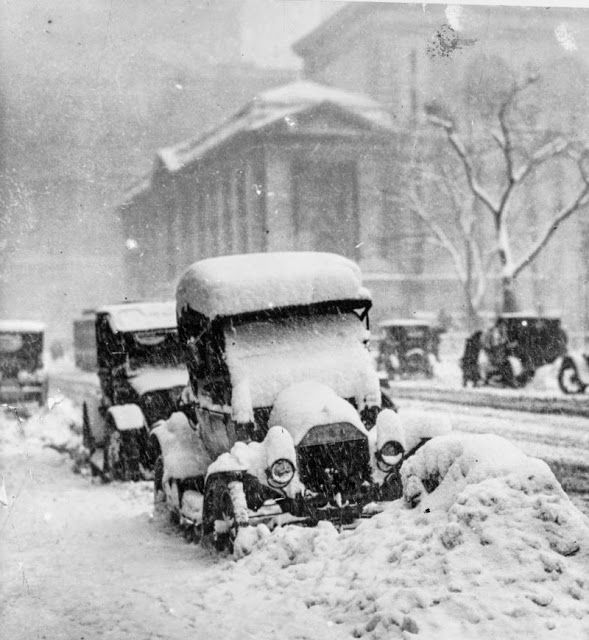 BeforeAfter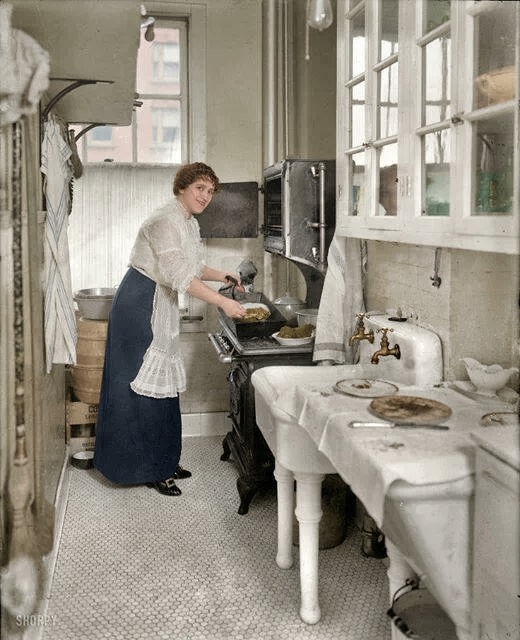
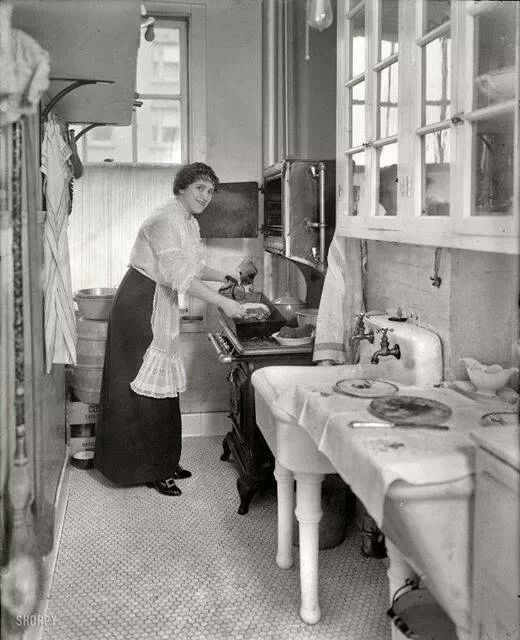 BeforeAfter
How to restore
a photo
- 01Upload an old photoA black and white scan or a phone photo of a print, damaged or not. Drag it in or pick it from your device.
- 02Repaired, then coloredIn ~30 seconds. Tears, scratches, stains and fading are fixed first, then color is added. Faces, framing and detail stay as they were.
- 03Compare and downloadPick from two versions, drag across the photo to see before and after, then download.
Pay per photo.
No subscription.
Your first photo is free. After that, one credit restores one photo, and credits don't expire.
Questions
Two steps. First, AI repairs the damage and sharpens faded detail, keeping every face as it was. Then it adds color, and only the color changes, so faces, framing and fine detail aren't redrawn.